

Understanding Objects in JavaScript
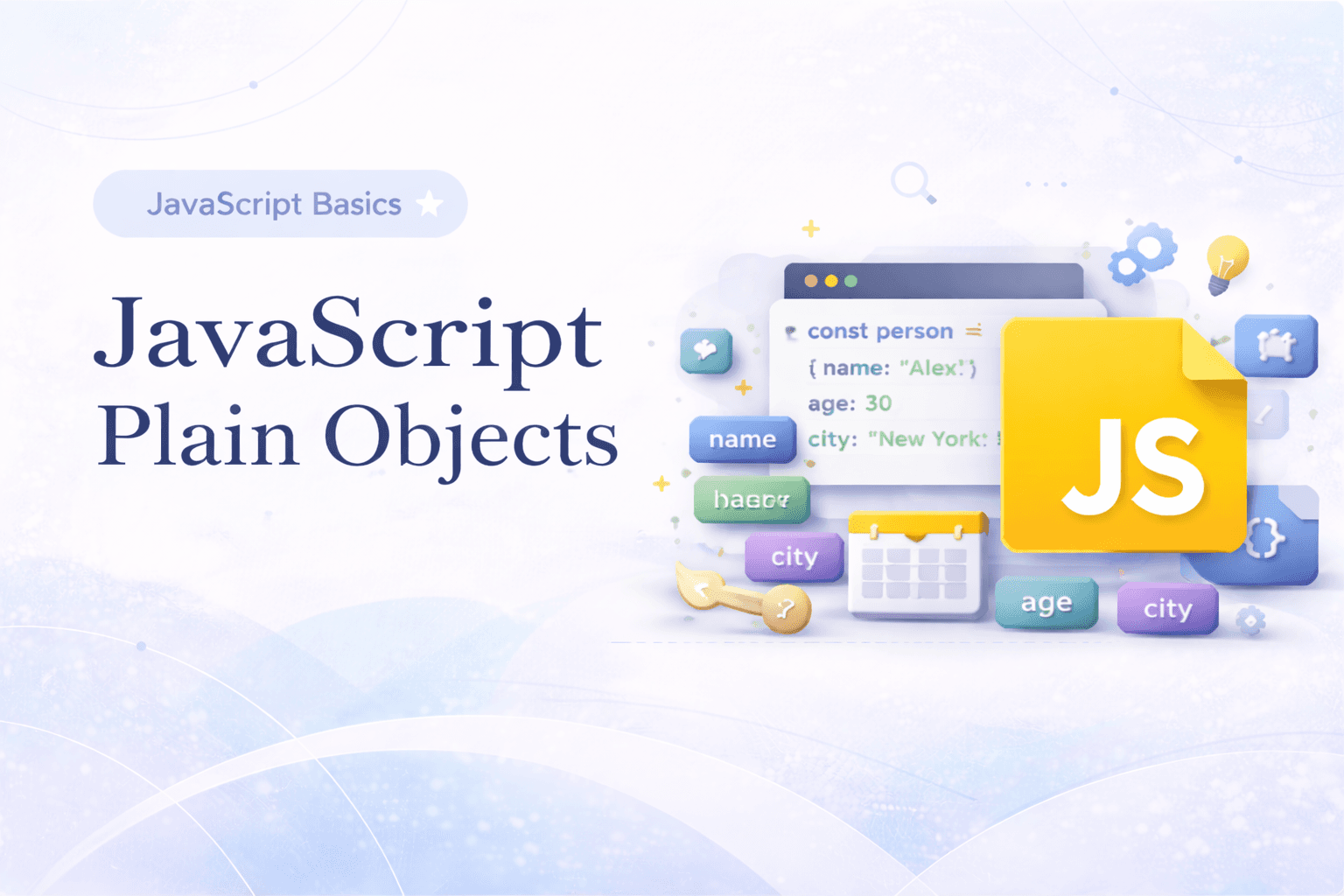
In JavaScript you can group multiple items that are related to each other in a single array, but what if those items has multiple properties? let's take a real life example.
Suppose you are holding a party at your house and you need to properly store all the items that needs to be bought and their amount and maybe a maximum budget for them. Let's try doing that using arrays..

Do you see the problem? if you need to store more than 5 or 10 attributes then this method of storing becomes very cumbersome and messy. Then what is solution?
To escape this problem JavaScript allows us to create a customized data type that stores key-value pairs .. these datatypes are known as Objects in JavaScript.

itemList is an array of objects.
This datatype helps us store multiple attributes or related information in on single variable as a collection of key-value pairs.
Now let's see what are the ways we can create objects in JavaScript.
Creating Objects
There are many ways to create a object in JS.. we will see most commonly used ones and you will be able to create objects easily in these ways.
Literals
You can create an Object literally like this

Constructors
You can also create an Object using the Object constructor.

Accessing Objects
You can access any Object in mainly two ways
Dotnotation
In this way you can use . to access Object keys-value pairs.
you need to write first object name and then key name of that object separated by a dot

Another way to access an object value is using brackets [ ]

This way of accessing object items are handy because you can use any string as a key in that case.

Updating properties
Each key value pair is also known as property of the object. These properties can be easily updated using the very same way of accessing them.

you can also use the dot notation as well there is not right or wrong here, juts be careful in case of strings with space like "unique key" .. those values cannot be used as keys in dot notation .
Adding and deleting properties
In Objects there are more than one ways to add and delete properties. Let's see them one by one.
Adding properties
You can simply use a dot notation or use brackets to add a new property.

or you can use Object.assign() to add a new property as a key-value pair.

Deleting properties
You can use delete operator to delete a key-value pair or a property from the object.

Looping over Object keys
There are more than one way to loop over object keys
for...in

This image is self explanatory but simply said you can use for ... in loop to iterate over Object keys to access each property one after another.
Object.keys() method
Object.keys() method return an array of all the property keys of the object passed as a values to the keys() method.

Conclusion
This was a brief and very basic overview on Objects in JavaScript hopefully now you understand the very basics of JavaScript and how to use them , how to create, update and delete object properties and how to iterate over Object keys.




