CSS Selectors 101: Targeting Elements with Precision
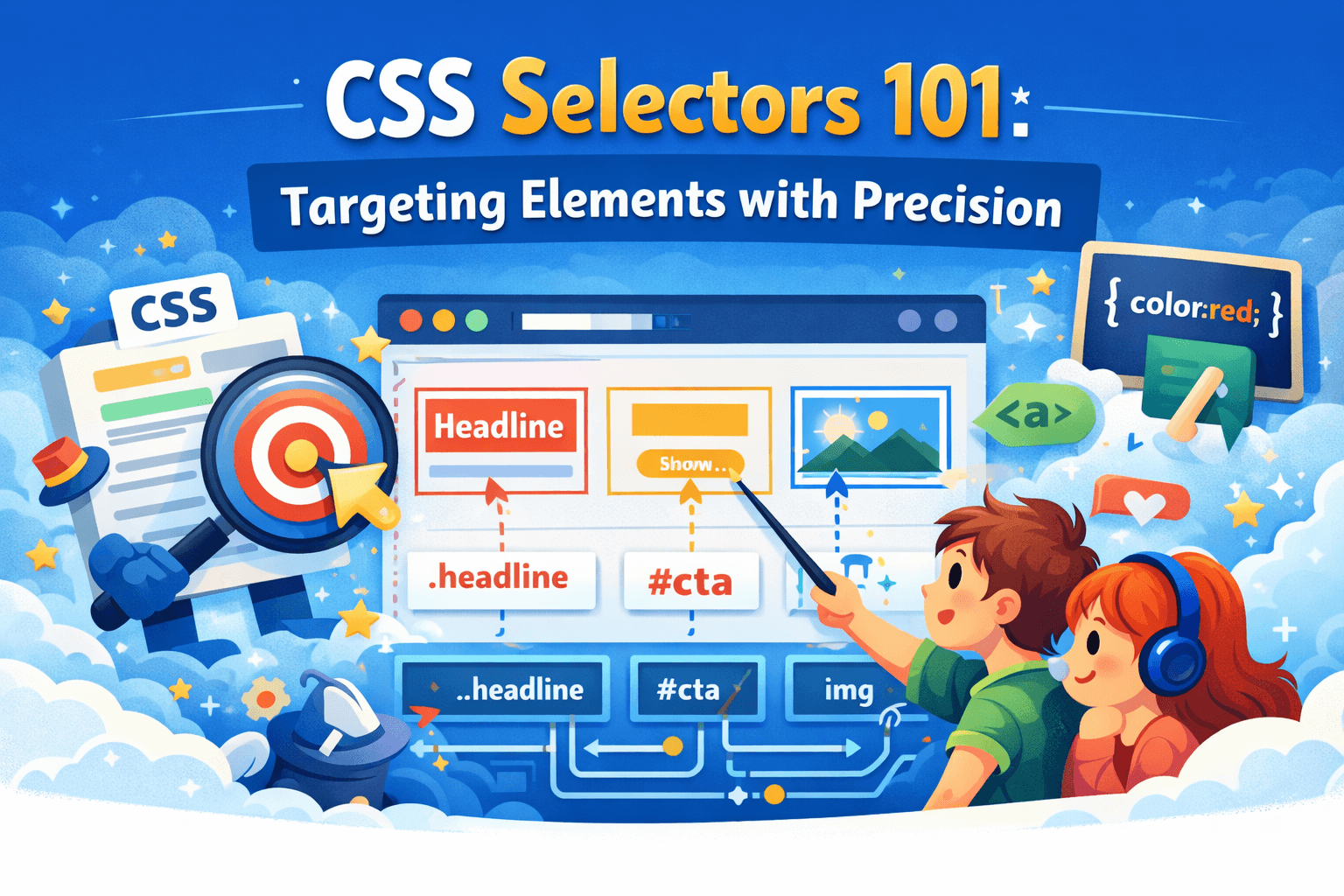
If you write CSS you already know what CSS selectors are and use them but have you ever thought why there are so many options? why there are more than one way to do things? Today we will understand that and learn what purpose each selectors serve and what problems they solve.
CSS Selectors
Element Selectors
First and most common CSS selector is element selector, as you know this is the name of the tag or name of the element like h1 , p , table , body etc.
h1 {
    color: red;
}
this sets the color of all h1 elements in the page to red.
Class selectors
Now if you want to select a subset of the elements, simply you do not want to select all the h1 tags but only select few then you use class selector.
For that first you need to select all the elements that you want to select by adding a class attribute to them.
ID Selectors
Now if you want to select only a single particular element you can target them with an unique id. IDs are always unique and used to target a specific element uniquely. This selector is to select one single element.
Group Selectors
Group selectors are used when you want to give different elements similar properties, for example if you want to style a heading and paragraph similarly then you can group them together.
Descendant Selectors
Descendant selectors are used when you need to target or specify particular child of a particular type of elements only. For example you can select all the li under unordered list ul only and not all li items
Universal selector (*)
Universal Selector is the CSS selector with highest matching and least specificity. It is used to select and target literally every element.
Specificity
In CSS the more specific selector you use the highest priority they get, and specificity always override Cascading nature depending on how you use the specificity. If you want to force override a property you can use !important property in any property like below.
p {
color : red !important;
}
Conclusion
Hopefully you now understand how each selectors differ and when to use which one. You should be able to understand how different selectors differ from each other.