Understanding cURL: A Guide to Its Uses and Functions
You have browsed many websites and web-apps trough your Web browser and maybe if you are a developer you have created your own web-apps and APIs too. As a developer you have tested your API on browser too probably.
But browser is a tool made for consumers in mind , yes browser provides one of it’s kind developer tools and development ecosystem but a developers much time goes in debugging and running commands in terminal.
But there exists a much simple and straight forward tool that not only works in terminal but also provides a much simpler request response format workflow that makes testing your APIs much more simpler and easier and quicker. The tool is called cURL.
What is cURL?
cURL is a tool that allows you to send request to APIs and Inspect their response from the terminal itself. When you use cURL directly from terminal instead of the full-fledged browser you not only strip away all the additional complexity that comes with the browser but also you can customize the request and response according to your needs much easily.
Using cURL
First request and response on cURL
Let’s send our first request from curl
curl https://www.example.com/
This is a basic and common example of how you can send and HTTP request using cURL. You can also send http, ftp and dict requests too using cURL.
Understanding request and response
You can also customize you HTTP request according to your need. For example if you want to see detailed response from the server or API you are trying to talk to you can use
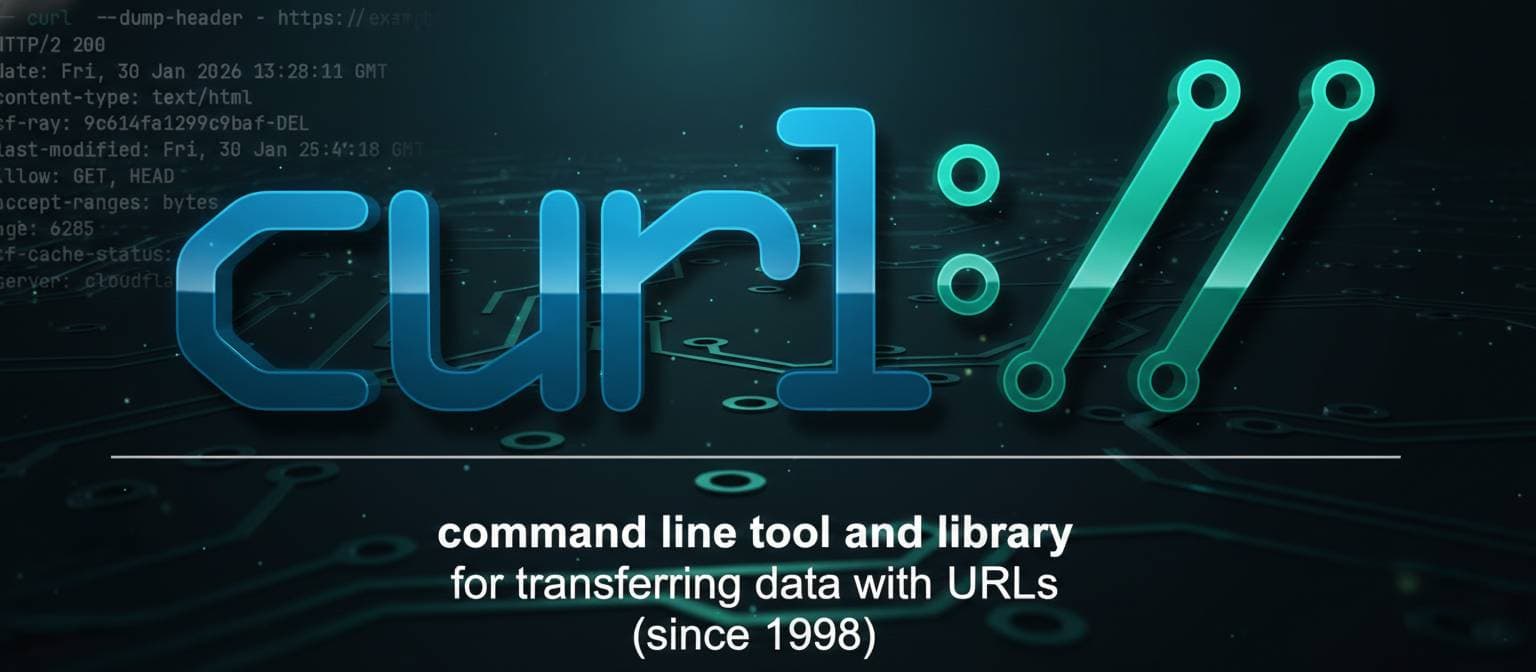
curl --dump-header - https://example.com
command. This command dumps the header information from the response of the Server that will help you get additional information show below.

GET request
Here in the above image if you see you will see a line HTTP/2 200 . Here HTTP/2 means the server is using version 2 of HTTP protocol and it returned 200 as response status that means OK.
It also contains additional information like date, allowed request methods, server name and most importantly the type of content as content-type: text/html that tells that the text returned in the body of the response is an HTML document content.
POST request
Now as we can see from the GET request that the destination do not allow POST request because it is not present in the allowed request methods list. So let’s try to see what happens if we forcefully send a POST request with a dummy data.
curl -X POST -d 'key=value' --dump-header - https://example.com

Here you can see that in the response header this time it has given a tiny bit different of response header. As you can see this time the HTTP code is 405 which literally means Method Not Allowed . So the server is directly telling us that the used method is not available for this Server. But is still returned the HTTP content regardless.
HTTP codes and returned response header and response body depends on internal logic of the Server.
Beginner Mistakes
Now that we know basic know how of how to make HTTP request using cURL and how to read the responses let’ understand what not to do.
Always make sure your command is correct and respects request method format, many beginners mismatch the request type and passed flags in the command. That may result in misinterpretation from the server and cause confusion on user’s end. e.g. sending
-d ‘key=value’in a GET requestAlways read and send proper Content-Type to avoid confusion and misinterpretation.
Many beginner fail to distinguish difference between the header and the actual response body, you should be able to avoid them.
Conclusion
This was simple and beginner friendly introduction to cURL and it’s use cases. As you practice more commands and options you will learn more about it and get better at using it. But do avoid going too deep in the available options , always prefer to learn as you go. cURL is not at all a small tool, it is a industry standard tool to make HTTP and other requests and many other tool use cURL under the hood e.g. Postman .
Hopefully it was simple and easy to understand and now you will be able to start using cURL in your daily development workflow.