Understanding Network Devices
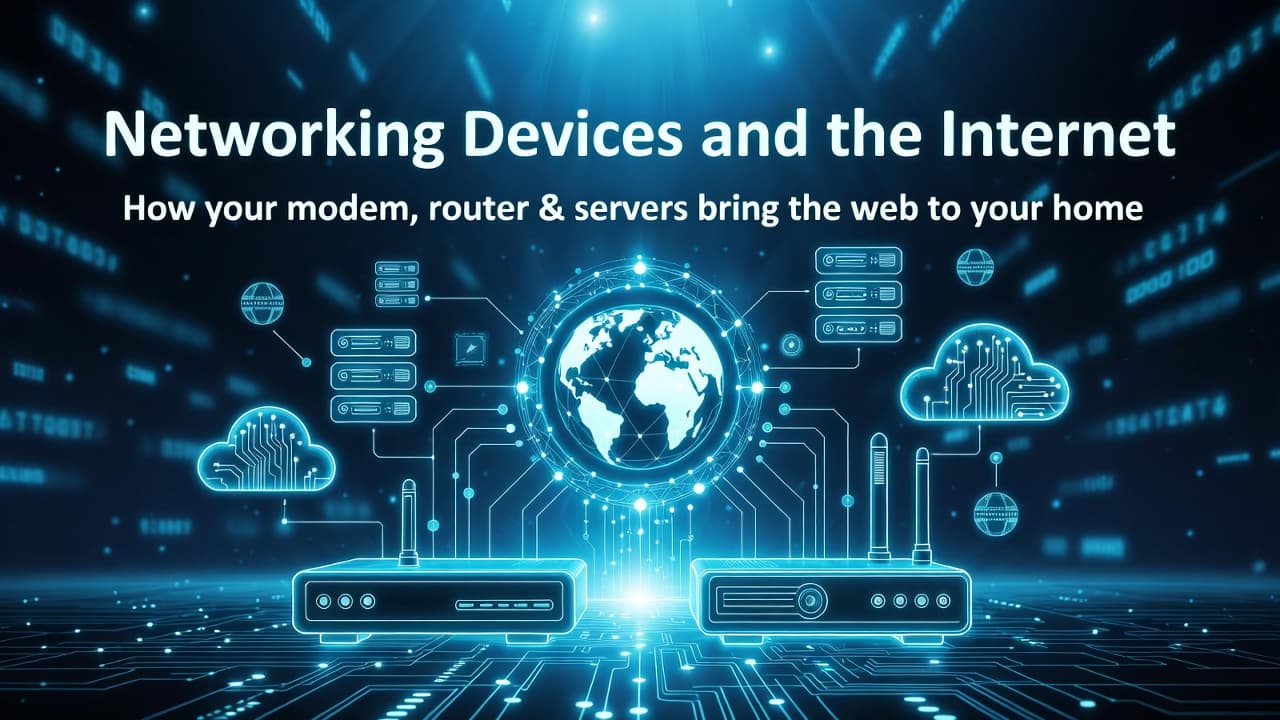
We use the Internet everyday without any thought to how it is all working behind the scene, you may have even heard about the networking devices that make it even possible for you to read this article right now but never gave them much thought, maybe you even have a WiFi Router at home too.. But do you really understand that how this article or literally anything else on the Internet is delivered to you when you just click on links? What happens between all the networking devices or how they communicate to serve the Internet to you?
Today you are going to get a brief overview and some basic understanding of how the Internet works and reaches your home!
What is the Internet and how it reaches you
To understand how Internet works behind the scene and how you get connected to it, we first need to understand what the Internet actually is. Let’s start from you and we will gradually build up to the whole Internet, simple enough right? Alright.
Yes it starts with you . How? When you are accessing the internet first and foremost you are part of a Local Area Network or LAN. What is this LAN now? If you have taken a proper WiFi connection from an ISP with a Router, it can be all the people at your home who use the same WiFi network including your own device.

It boils down to how many devices are using the same local network to connect to your ISP at the same time, all of them are part of the same LAN. Each modem is a gateway between the ISP and the associated LAN. Now an ISP usually serves countless other LANs each connected to the ISP via their own Modems, think of your neighbors or whole neighborhood. And they all might not be using the same ISP. All the different ISPs are all connected in a Bigger Network and Those Networks are connect to form National and then International Networks and they together form what Internet essentially is.
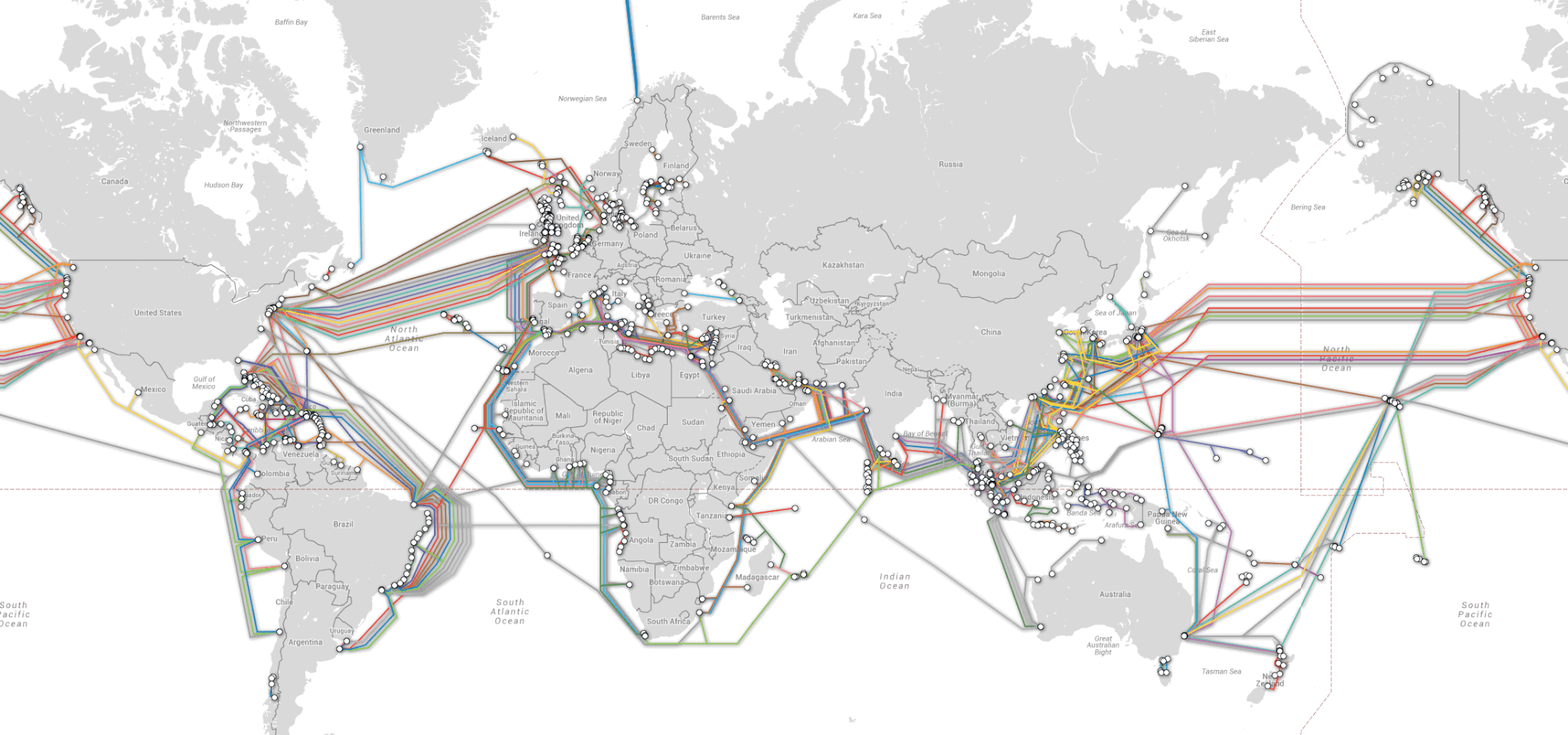
Any device be it you home computer, or devices at office, or some server somewhere all of them are connected in some kind of LAN configuration and via their ISP they are connected to the Internet.
Hopefully now you understand that a Modem acts as a entry point between your home network (or LANs in general) and the Internet (via ISPs). Now let’s understand what a Modem or Router and other devices actually do behind the scene to make the entire thing work.
Networking Devices
Modem :: Modems (also known as) Modulator-Demodulator and as suggested in the name they modulate and demodulate a signal or in simple words they convert digital signals into analogue signals and analogue signal back to it's digital counterpart. Usually in home networks it's the modem that connects your router with your Internet Service Provider (ISP). Modems are usually connected to the ISP via cables or wireless receivers.
Router :: Router is what sits between you LAN devices and Modem , although some modern Routers come with Modem’s capabilities, traditionally Routers main job is to create a Local Area Network with all the connected devices and manage traffic. Router assigns private IPs to each individual connected devices. Routers route or direct data packets (raw data travelling through wires and other mediums) to their intended destination like air traffic control guides aircrafts on their intended destination. Router not only host and manage a LAN but also connects it with a larger network via Modem
Hub :: Hubs are similar to Router but do not care about destination of the data packets and send them to all the connected devices that can receive data packets. They are not commonly used nowadays because of this limitation and instead Routers are used instead.
Switch :: Unlike Routers, switch do not connect a LAN to a bigger network , they use device MAC address to transfer data packets within a Network (usually a LAN). So unlike Router , Switch isn’t responsible for connecting a Local Network to the broader network. Switch is like a traffic police that direct the data traffic within a Network so devices like printers , computers and other devices communicate to each other that are connected in a same network.
Firewall :: Firewalls are used for security purposes they decide which data packets can travel between two networks. You can think of a Firewall as a security guard standing between two networks allowing and rejecting data packets to keep unwanted or malicious traffic coming in or stop any sensitive secret data leaking from a network. Firewalls can be both a hardware device or an installed software program.
Load Balancer :: Imagine waiting in a single long line for a movie ticket counter where the other counters are empty and someone comes and diverts people away to those other free counters so the unnecessary waiting time can be reduced. That is exactly what what a load balancer does but with network traffic instead of people. it is usually used in case of diverting traffic to multiple servers delivering same service so more requests can be handled simultaneously.
Behind the Scenes
Now from above section you got a basic idea of how different devices work individually or what are their purposes and what are the difference between them, now in this section we will see how in a real world scenario they work together. With a simple example it will become really clear how all the devices work together
The request and response
Suppose you are home watching your favorite live stream from any streaming platform, first you will go and use the streaming platform (e.g. Netflix, YouTube) and and click the stream you want to watch. That will send the request from your device (e.g desktop or phone) to Router then via Modem to the ISP.. then ISP will tell your device where to send request for the content with a same reverse sequence (ISP > Modem > Router > Your Device). If your ISP does not resolves the address it may send the resolution to other DNS servers that can and then return you their response.

The destination
Then after that your device directly send the request to you the destination server that is currently streaming the video stream you want to watch. And there might be many many users currently trying to watch the same stream at the same moment! Think of a Cricket or Football match being streamed. On the servers side one server may get overwhelmed by too many request at the same time where you are just another one of the requesting viewer.

From the Servers to You
For that the streaming services use Load Balancers on their servers and equally distribute the traffic or all the requests to multiple servers that are serving the same stream, so the servers only get the amount of requests they can handle at once.

And from one of those servers you get your stream back to you local Network first via you Modem then your Router and then in the device where you are watching the stream.

And last but not the least Firewalls protect the servers or any other traffic or request coming from any foreign or forbidden network.
Summary
So now you have a basic idea of what all the individual networking devices do and how they work together to make a functional Internet possible and enables you to surf the Internet without having to think about all the internal details.
Hopefully this was simple and clear enough to understand how Internet reaches you at home at some basic level and now you can explain it further to someone else too.