

JavaScript Promises Explained for Beginners
Introduction: The Problem Promises Solve
JavaScript is single-threaded, which means it executes one task at a time. However, many real-world tasks such as fetching data from a server or reading a file take time to complete. If JavaScript waited for these operations to finish before continuing, applications would freeze.
Before Promises, developers used callbacks to handle asynchronous tasks. While callbacks work, they often lead to deeply nested code that becomes difficult to read and maintain. This problem is commonly known as callback hell. Error handling also becomes harder because each callback must manually manage errors.
Promises were introduced to solve these readability and maintainability issues. They allow asynchronous code to look more structured and linear, making it easier to understand and manage.
What is a Promise?
A Promise is an object that represents a value that will be available in the future. It acts as a placeholder for the result of an asynchronous operation.
You can think of a Promise as a commitment. When you create a Promise, you are saying that some work is being done, and when it finishes, it will either succeed with a result or fail with an error.
A Promise is created using the Promise constructor, which takes a function called the executor. This function receives two arguments: resolve and reject. The resolve function is called when the operation succeeds, and reject is called when it fails.
const myPromise = new Promise((resolve, reject) => {
  const success = true;

  if (success) {
    resolve("Operation successful");
  } else {
    reject("Operation failed");
  }
});
Promise States
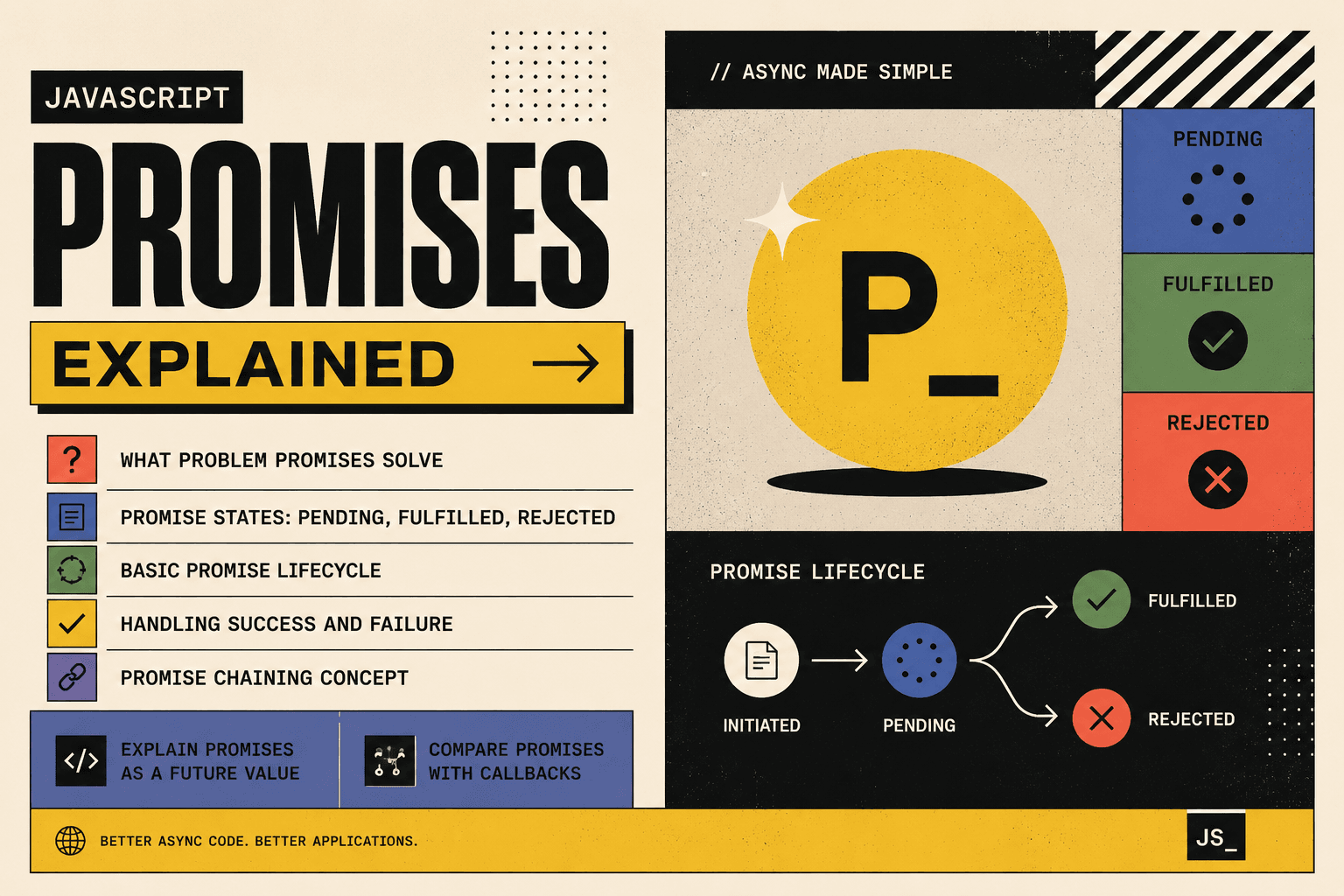
Every Promise goes through specific states during its lifecycle. These states describe the condition of the asynchronous operation.
| State | Description |
|---|---|
| Pending | The initial state. The operation is still in progress. |
| Fulfilled | The operation completed successfully, and a value is available. |
| Rejected | The operation failed, and a reason or error is available. |
A Promise starts in the pending state. Once it becomes fulfilled or rejected, it is considered settled. After settlement, the state cannot change.
Basic Promise Lifecycle
The lifecycle of a Promise begins when it is created. At this point, it is in the pending state. While the asynchronous task is running, the Promise remains pending. When the task completes, the Promise transitions to either fulfilled or rejected.
Once settled, the Promise’s result can be handled using special methods such as .then() and .catch().
The following example simulates an asynchronous operation using setTimeout:
const fetchData = new Promise((resolve, reject) => {
  setTimeout(() => {
    const success = true;

    if (success) {
      resolve("Data loaded successfully");
    } else {
      reject("Failed to load data");
    }
  }, 1000);
});
In this example, the Promise remains pending for one second. After that, it resolves or rejects depending on the condition.
Handling Success and Failure
To access the result of a Promise, you use the .then() method. This method runs when the Promise is fulfilled and receives the resolved value as an argument.
To handle errors, you use the .catch() method. This method runs when the Promise is rejected and receives the error as an argument.
The .finally() method runs regardless of whether the Promise was fulfilled or rejected. It is useful for cleanup tasks.
fetchData
  .then((result) => {
    console.log(result);
  })
  .catch((error) => {
    console.error(error);
  })
  .finally(() => {
    console.log("Operation completed");
  });
Compared to callbacks, Promises make the structure clearer because success and error handling are separated into dedicated methods rather than nested inside multiple functions.
| Feature | Callbacks | Promises |
|---|---|---|
| Structure | Often nested and harder to follow | Linear and easier to read |
| Error handling | Managed manually in each callback | Centralized with .catch() |
| Code organization | Can become complex quickly | Cleaner flow control |
Promise Chaining Concept
One of the most powerful features of Promises is chaining. Each call to .then() returns a new Promise. This allows multiple asynchronous operations to be performed in sequence without nesting.
When a value is returned from a .then() block, it becomes the input for the next .then() in the chain. If an error occurs anywhere in the chain, it automatically moves to the nearest .catch().
getUser(1)
  .then((user) => {
    return getPosts(user.id);
  })
  .then((posts) => {
    return getComments(posts[0].id);
  })
  .then((comments) => {
    console.log(comments);
  })
  .catch((error) => {
    console.error("Error:", error);
  });
This structure avoids deeply nested callbacks and keeps the flow of operations easy to follow. Each step clearly describes what happens next, which improves readability and maintainability.
Summary
Promises represent future values and help manage asynchronous operations in a clean and structured way. Understanding the three states, the lifecycle, and the use of .then() and .catch() is essential. The chaining feature is especially important because it prevents callback hell and keeps code readable.
Practicing small examples in the browser console or a Node.js environment will strengthen your understanding.




