

Understanding the this Keyword in JavaScript
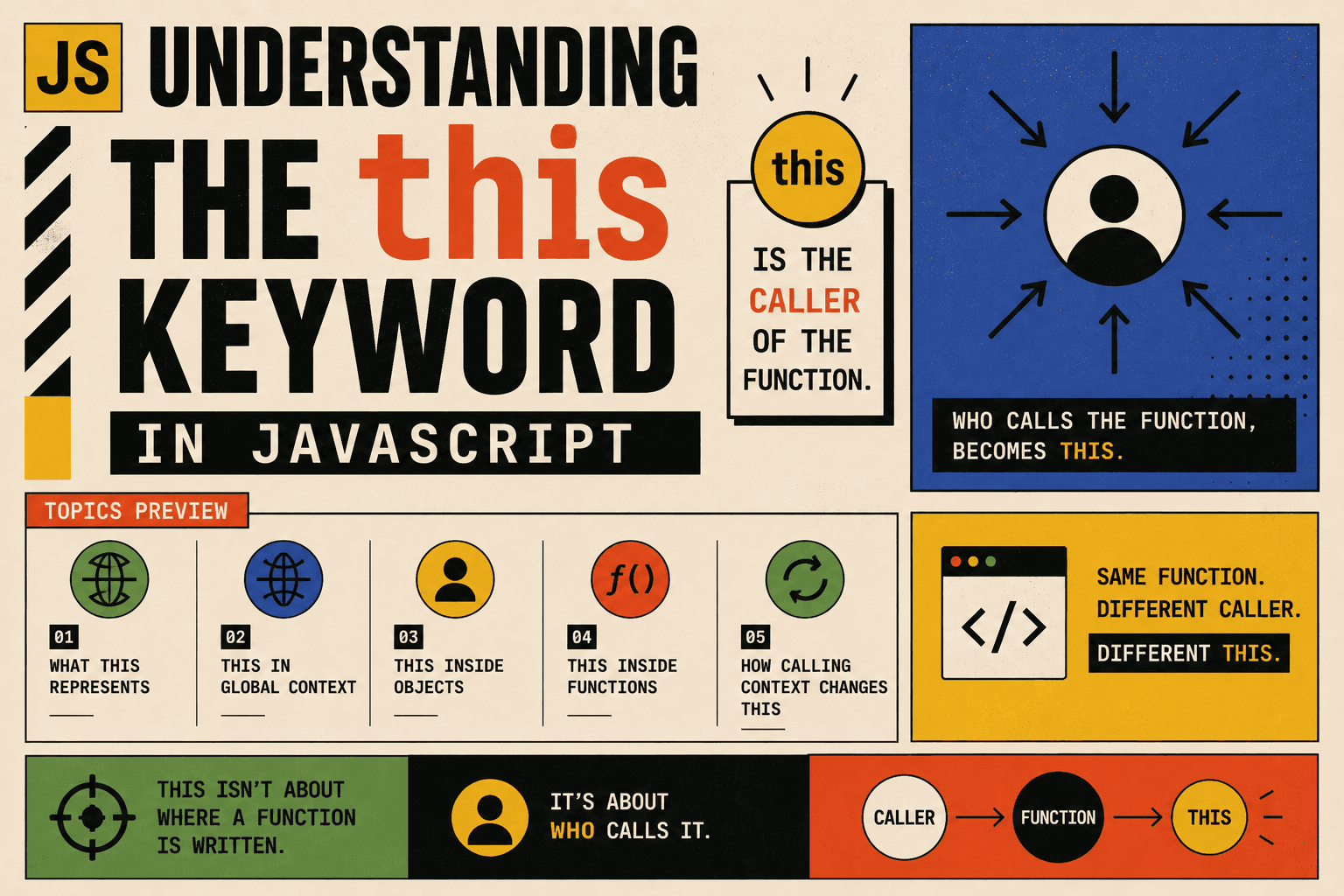
What this Represents
In JavaScript, this refers to the object that is calling a function.
The simplest and most practical way to understand it is:
thisrepresents the caller of the function.
It does not depend on where the function is written. It depends entirely on how the function is invoked.
The same function can behave differently depending on who calls it. That is the key idea behind this.
this in the Global Context
When this is used outside of any function or object, it refers to the global object.
In a browser:
console.log(this);
This usually logs the window object.
In Node.js:
console.log(this);
It refers to the module’s global context object.
The important idea is that in the global scope, there is no specific object calling anything, so this refers to the global environment.
this Inside Objects
When a function is defined inside an object and called using that object, this refers to that object.
Simple Object Method Example
const person = {
  name: "Alice",
  greet: function() {
    console.log("Hello, my name is " + this.name);
  }
};

person.greet();
Here is what happens:
The object
personcallsgreet().Therefore,
thisrefers toperson.this.namebecomes"Alice".
If we change the object’s property:
person.name = "Bob";
person.greet();
The output updates because this always points to the object that calls the method.
The function does not store the value of name. It simply looks at the calling object.
this Inside Regular Functions
When a regular function is called without an object, there is no clear caller.
Example
function show() {
  console.log(this);
}

show();
In a browser environment, this usually prints the global object.
In strict mode:
"use strict";

function show() {
  console.log(this);
}

show();
Now this is undefined.
The reason is simple. No object is calling the function, so JavaScript defaults to the global context or undefined in strict mode.
How Calling Context Changes this
The value of this changes depending on how the function is called.
Consider this function:
function greet() {
  console.log("Hello, " + this.name);
}
Now create two objects:
const user1 = { name: "John" };
const user2 = { name: "Emma" };
Attach the same function to different objects:
user1.greet = greet;
user2.greet = greet;
Call them:
user1.greet(); // Hello, John
user2.greet(); // Hello, Emma
The function greet is exactly the same. The only thing that changed is the caller.
This proves an important rule:
thisis determined at call time.It depends on the object before the dot.
Losing the Calling Context
Sometimes this can change unexpectedly if the function is separated from its object.
const person = {
  name: "Alice",
  greet: function() {
    console.log("Hello, " + this.name);
  }
};

const greetFunction = person.greet;
greetFunction();
Here, the function is no longer called as person.greet(). It is called as a standalone function.
Because of this:
There is no object before the call.
thisbecomes the global object or undefined in strict mode.
This example shows why understanding calling context is important.
Summary Table
| Situation | What this Refers To |
|---|---|
| Global scope | Global object |
| Object method call | The object calling the method |
| Standalone function | Global object or undefined in strict mode |
| Same function, different objects | Changes depending on caller |
| Method extracted and called alone | Global object or undefined |
Conclusion
The most important concept to remember is:
this does not belong to the function itself.
It belongs to how the function is called.
If an object calls the function, this refers to that object.
If no object calls it, this falls back to the global context or becomes undefined in strict mode.
Understanding this rule makes it much easier to work with objects, methods, and more advanced features in JavaScript.




