

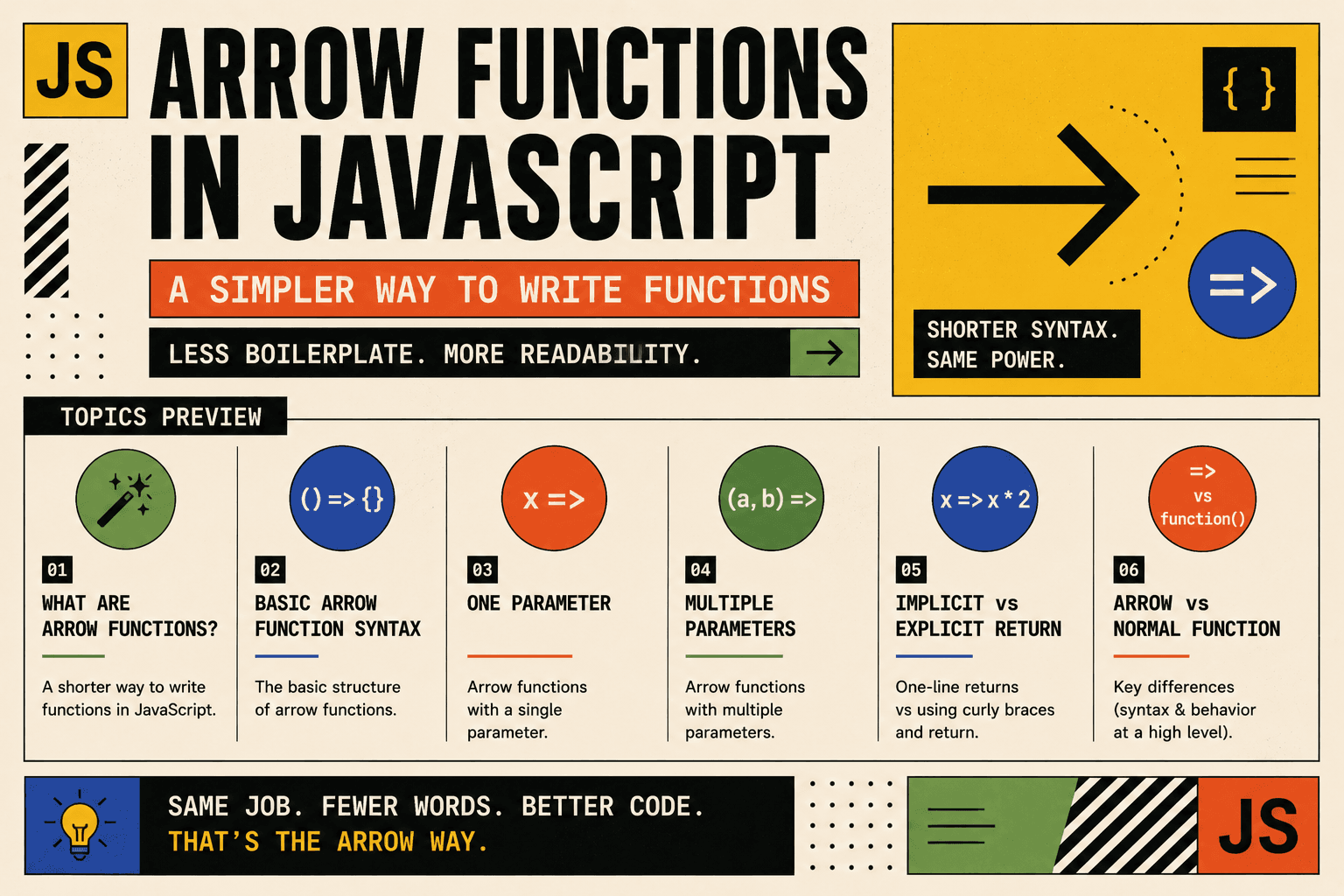
Arrow Functions in JavaScript: A Simpler Way to Write Functions
Introduction
Arrow functions were introduced in ES6 as a cleaner and shorter way to write functions in JavaScript. They reduce unnecessary keywords and make code more readable, especially for small operations.
In modern JavaScript, arrow functions are widely used for:
Small utility functions
Array transformations
Simple calculations
Conditional checks
Callback functions
Before arrow functions, we mainly used traditional function expressions.
Traditional Function Expression
const square = function(number) {
  return number * number;
};

console.log(square(4));
Now let us see how arrow functions reduce this boilerplate.
What Arrow Functions Are
An arrow function is a shorter syntax for writing function expressions. Instead of using the function keyword, we use the arrow symbol =>.
Basic Syntax
const functionName = (parameters) => {
  // function body
};
Rewriting the Previous Example
const square = (number) => {
  return number * number;
};

console.log(square(4));
The logic is exactly the same. The only difference is the cleaner syntax.
Arrow Functions with One Parameter
If a function has only one parameter, you can remove the parentheses around the parameter.
const square = number => {
  return number * number;
};

console.log(square(5));
This makes simple functions even more concise and easier to scan visually.
Another Example: Greeting Function
const greet = name => {
  return "Hello, " + name;
};

console.log(greet("Alice"));
Since there is only one parameter, parentheses are optional.
Arrow Functions with Multiple Parameters
If there are two or more parameters, parentheses are required.
const add = (a, b) => {
  return a + b;
};

console.log(add(3, 7));
Another Example: Full Name Builder
const fullName = (firstName, lastName) => {
  return firstName + " " + lastName;
};

console.log(fullName("John", "Doe"));
This function combines two values and returns a single string. The structure remains clean and readable.
Implicit Return vs Explicit Return
Arrow functions allow something called implicit return, which makes small functions even shorter.
Explicit Return
If you use curly braces {}, you must write the return keyword.
const square = number => {
  return number * number;
};
Implicit Return
If the function body contains only one expression, you can remove curly braces and the return keyword.
const square = number => number * number;

console.log(square(6));
The expression number * number is automatically returned.
This improves readability because:
There is less visual clutter
The function’s purpose is immediately clear
The code looks compact and modern
Example: Even or Odd Checker
const isEven = number => number % 2 === 0;

console.log(isEven(4)); // true
console.log(isEven(7)); // false
The condition is directly returned without writing return.
Slightly More Detailed Example
Let us create a function that determines whether a number is positive, negative, or zero.
Using Normal Function
function checkNumber(num) {
  if (num > 0) {
    return "Positive";
  } else if (num < 0) {
    return "Negative";
  } else {
    return "Zero";
  }
}

console.log(checkNumber(-5));
Using Arrow Function
const checkNumber = num => {
  if (num > 0) {
    return "Positive";
  } else if (num < 0) {
    return "Negative";
  } else {
    return "Zero";
  }
};

console.log(checkNumber(-5));
When the logic becomes longer, arrow functions still work well, but the syntax advantage is more noticeable for shorter functions.
Using Arrow Functions Inside map()
Arrow functions are very common with array methods like map() because they keep the code concise.
Example: Squaring Numbers
const numbers = [1, 2, 3, 4];

const squares = numbers.map(number => number * number);

console.log(squares);
Explanation:
map()loops over each element.The arrow function transforms each number.
A new array is returned.
Example: Converting to Uppercase
const names = ["alice", "bob", "charlie"];

const upperNames = names.map(name => name.toUpperCase());

console.log(upperNames);
The arrow function directly returns the transformed value. This keeps array operations readable and clean.
Converting Normal Function to Arrow Function
Let us compare clearly.
Normal Function to Calculate Square
function calculateSquare(num) {
  return num * num;
}

console.log(calculateSquare(8));
Same Logic Using Arrow Function
const calculateSquare = num => num * num;

console.log(calculateSquare(8));
The arrow function:
Removes the
functionkeywordRemoves curly braces
Removes the
returnkeywordMakes the function shorter and more readable
Basic Differences Between Arrow and Normal Functions
| Feature | Normal Function | Arrow Function |
|---|---|---|
| Syntax | Uses function keyword |
Uses => |
| Length | More verbose | Shorter |
| Implicit Return | Not available | Available |
| Best For | Complex logic | Short, simple logic and callbacks |
Arrow functions are especially useful when:
The function is small and focused
You are working with array methods like
map,filter, orreduceYou want cleaner and more modern syntax
Conclusion
Arrow functions provide a simpler and more readable way to write functions in JavaScript. They reduce boilerplate code and make short logic easier to understand at a glance.
They are ideal for:
Mathematical operations
Conditional checks
Transforming arrays
Quick utility functions
For small, clear operations, arrow functions improve both readability and developer productivity. Understanding them is essential for writing clean and modern JavaScript.




