

Spread vs Rest Operators in JavaScript
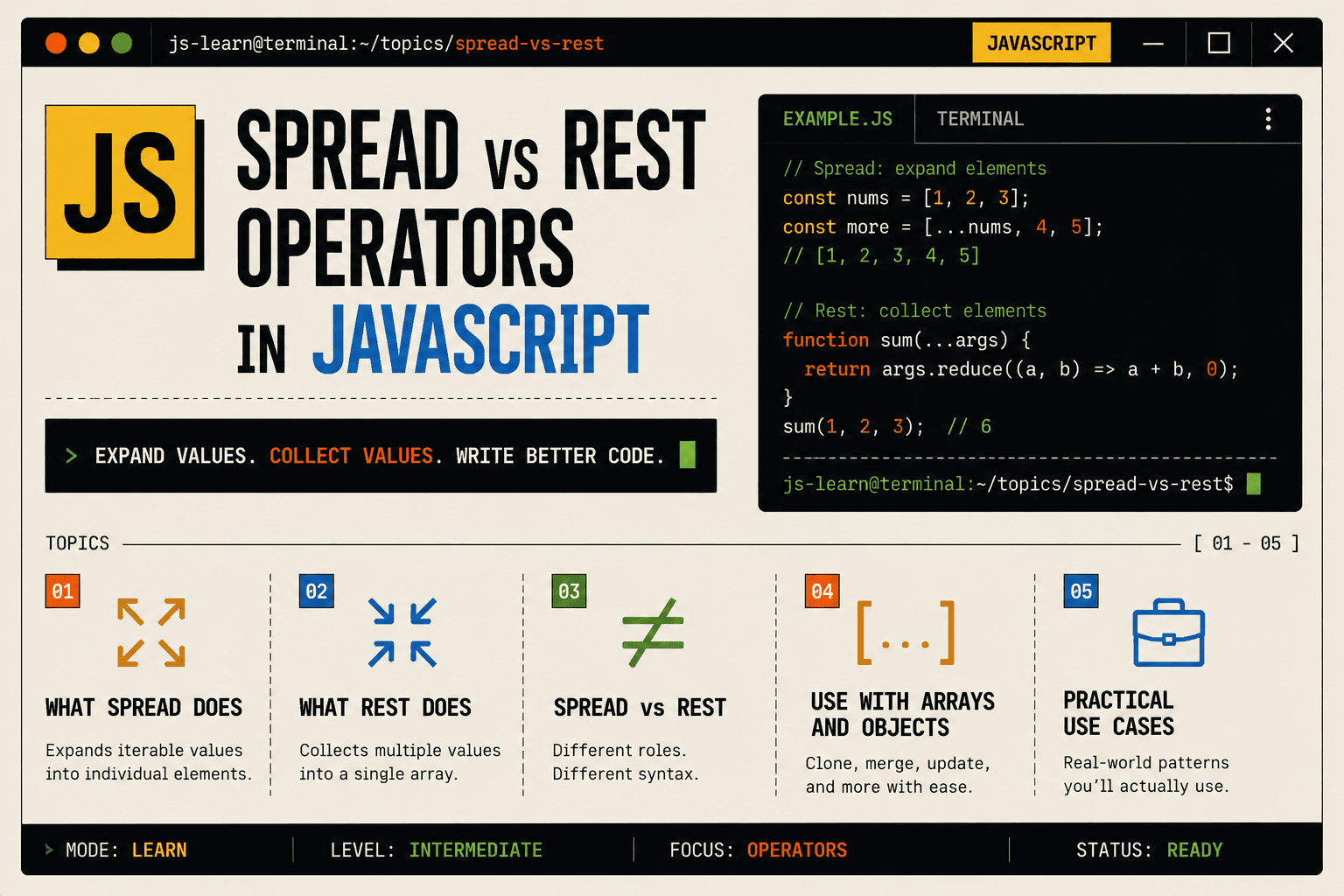
When you see three dots ... in JavaScript, it can mean two different things depending on how it is used.
Sometimes it expands values.
Sometimes it collects values.
These two behaviors are called the spread operator and the rest operator.
They look identical, but their purpose depends on context. Understanding the difference becomes easy once you think in terms of:
Spread → expanding values
Rest → collecting values
Let us build this step by step.
The Spread Operator
The spread operator expands elements from an iterable such as an array or object.
Think of spread as:
Open this container and give me everything inside.
Small Array Example
const numbers = [1, 2, 3];

console.log(...numbers);
Output:
1 2 3
The array is unpacked into individual values.
Without spread, you would see:
[1, 2, 3]
With spread, the array is expanded.
Using Spread with Arrays
Combining Arrays
Before spread, combining arrays required concat().
const arr1 = [1, 2];
const arr2 = [3, 4];

const combined = arr1.concat(arr2);
With spread, it becomes cleaner:
const arr1 = [1, 2];
const arr2 = [3, 4];

const combined = [...arr1, ...arr2];

console.log(combined);
Now visually, you can clearly see that both arrays are expanded into a new one.
Copying Arrays
const original = [10, 20, 30];
const copy = [...original];

console.log(copy);
This creates a shallow copy.
Why is this useful?
Because assigning directly:
const copy = original;
Does not create a new array. It only creates a reference.
Spread creates a new array with the same values.
Adding Elements While Copying
const numbers = [2, 3, 4];

const updated = [1, ...numbers, 5];

console.log(updated);
This expands numbers in the middle of a new array.
This pattern is common in modern JavaScript, especially in state management libraries.
Using Spread with Objects
Spread also works with objects.
Copying Objects
const user = {
  name: "Alice",
  age: 25
};

const newUser = { ...user };

console.log(newUser);
Again, this creates a shallow copy.
Updating Object Properties
const user = {
  name: "Alice",
  age: 25
};

const updatedUser = {
  ...user,
  age: 26
};

console.log(updatedUser);
Here is the thinking:
Expand all properties of
userOverride the
ageproperty
This pattern is very common in real-world applications.
The Rest Operator
Now let us shift thinking.
If spread means expanding values, rest means collecting them.
Rest gathers multiple values into a single array.
Rest in Function Parameters
Imagine you want a function that accepts any number of arguments.
Without rest, you would rely on older techniques. With rest:
function sum(...numbers) {
  let total = 0;

  for (let num of numbers) {
    total += num;
  }

  return total;
}

console.log(sum(1, 2, 3, 4));
Here:
...numberscollects all argumentsInside the function,
numbersis an array
So if spread opens a box, rest creates a box.
Rest with Array Destructuring
Rest can collect remaining elements.
const numbers = [1, 2, 3, 4, 5];

const [first, second, ...restNumbers] = numbers;

console.log(first);        // 1
console.log(second);       // 2
console.log(restNumbers);  // [3, 4, 5]
Here:
The first two elements are assigned individually
The remaining values are collected into
restNumbers
This is very useful when handling lists.
Rest with Objects
Rest also works with objects.
const user = {
  name: "Alice",
  age: 25,
  country: "USA"
};

const { name, ...otherDetails } = user;

console.log(name);          // "Alice"
console.log(otherDetails);  // { age: 25, country: "USA" }
The remaining properties are collected into a new object.
Spread vs Rest: Clear Difference
Although they use the same syntax, their purpose is opposite.
| Operator | Purpose | Behavior |
|---|---|---|
| Spread | Expands values | Breaks array or object into individual elements |
| Rest | Collects values | Gathers multiple elements into an array or object |
The key mental model:
Spread → unpack
Rest → pack
Real-World Usage Patterns
Spread is commonly used for:
Copying arrays or objects
Merging arrays
Updating state immutably
Passing array elements as function arguments
Example:
const numbers = [1, 2, 3];

Math.max(...numbers);
Rest is commonly used for:
Functions with dynamic arguments
Extracting certain properties while grouping others
Handling flexible input
Example:
function logMessages(firstMessage, ...otherMessages) {
  console.log(firstMessage);
  console.log(otherMessages);
}

logMessages("Hello", "How", "Are", "You");
Seeing Both Together
const numbers = [1, 2, 3];

function multiply(multiplier, ...values) {
  return values.map(value => value * multiplier);
}

console.log(multiply(2, ...numbers));
Here:
Spread expands
numbersinto individual argumentsRest collects them back into
values
Both operators work together in a complementary way.
Summary
The three dots ... serve two different roles depending on context.
If they appear:
In array or object literals → they expand values
In function parameters or
destructuring→ they collect values
Spread expands.
Rest collects.
Understanding this expansion vs collection mindset makes it much easier to use them correctly in real-world JavaScript applications.




