

String Polyfills and Common Interview Methods in JavaScript
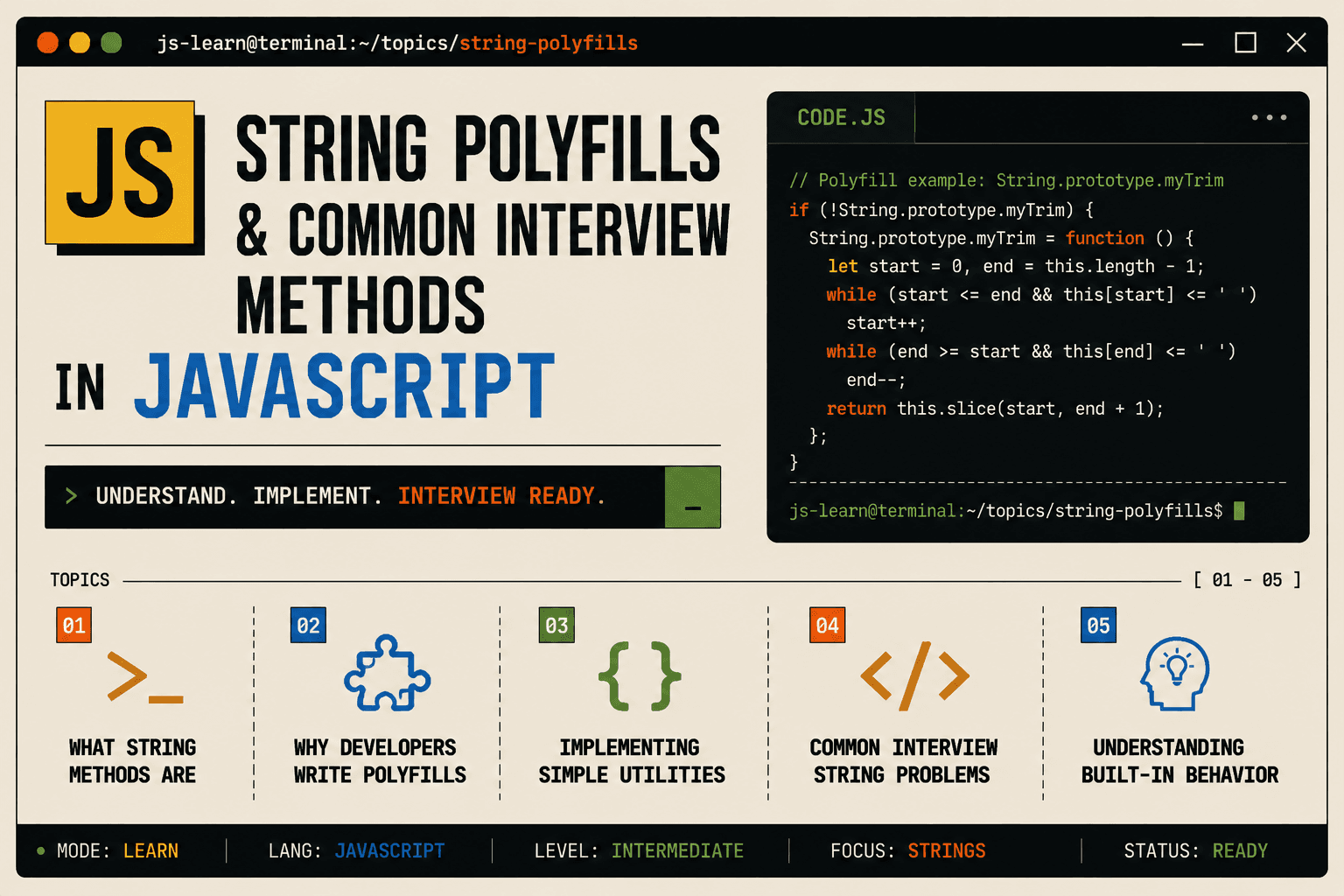
When you manipulate strings in JavaScript, you rely on built-in methods like toUpperCase(), includes(), repeat(), and many others. These methods work reliably because the JavaScript engine implements them behind the scenes.
But what if you needed to understand how they actually work? What if an interviewer asked you to implement one yourself without using the built-in version?
This is where polyfills and manual implementations become important. They test your understanding of JavaScript basics, logic building, and problem solving.
Let us explore what string methods are, why polyfills matter, and how to think through implementing them from scratch.
What String Methods Are
String methods are built-in functions that operate on string values. They allow you to:
Change case
Search for substrings
Extract parts of strings
Repeat or pad strings
Check if a string contains certain characters
Each method has specific behavior defined by the JavaScript specification.
When you call:
"hello".toUpperCase();
JavaScript internally loops through each character, converts it to uppercase, and returns the new string.
Understanding this internal logic is what interview questions test.
Why Developers Write Polyfills
A polyfill is code that implements a feature in environments where it does not exist. Older browsers may not support newer methods like includes() or repeat().
Developers write polyfills to:
Ensure consistent behavior across environments
Understand how built-in methods work internally
Practice problem solving and algorithmic thinking
Prepare for technical interviews
Implementing a polyfill forces you to think from scratch. You cannot rely on the built-in method. You must recreate its behavior using basic JavaScript primitives.
Thinking Through a Simple Polyfill
Let us start with a simple method.
toUpperCase() Behavior
Built-in behavior:
"hello".toUpperCase(); // "HELLO"
Conceptually, toUpperCase() works by:
Looping through each character of the string
Checking if the character is a lowercase letter
Converting it to uppercase
Building the new string
Now, what if you cannot use toUpperCase() itself? How would you do it manually?
Implementing a Manual Uppercase Converter
First, understand the concept of character codes.
console.log("a".charCodeAt(0)); // 97
console.log("z".charCodeAt(0)); // 122
console.log("A".charCodeAt(0)); // 65
console.log("Z".charCodeAt(0)); // 90
Lowercase letters are between 97 and 122.
Uppercase letters are between 65 and 90.
The difference is 32.
So to convert a lowercase letter to uppercase, subtract 32 from its character code.
Implementation
function manualToUpperCase(str) {
  let result = "";

  for (let i = 0; i < str.length; i++) {
    const charCode = str.charCodeAt(i);

    if (charCode >= 97 && charCode <= 122) {
      const upperChar = String.fromCharCode(charCode - 32);
      result += upperChar;
    } else {
      result += str[i];
    }
  }

  return result;
}

console.log(manualToUpperCase("hello"));   // "HELLO"
console.log(manualToUpperCase("Hello123")); // "HELLO123"
This logic mirrors what the built-in method does internally.
Implementing includes()
Built-in Behavior
"hello world".includes("world"); // true
"hello world".includes("xyz");   // false
Conceptually, includes() works by:
Taking a search string
Starting from the beginning of the main string
Checking if the search string appears at each position
Returning true if found, false otherwise
Manual Implementation
function manualIncludes(mainStr, searchStr) {
  if (searchStr.length === 0) return true;

  for (let i = 0; i <= mainStr.length - searchStr.length; i++) {
    let match = true;

    for (let j = 0; j < searchStr.length; j++) {
      if (mainStr[i + j] !== searchStr[j]) {
        match = false;
        break;
      }
    }

    if (match) return true;
  }

  return false;
}

console.log(manualIncludes("hello world", "world")); // true
console.log(manualIncludes("hello world", "xyz"));   // false
The logic here is simple:
For each possible starting position
Compare character by character
If all characters match, return true
If no match found, return false
Implementing repeat()
Built-in Behavior
"abc".repeat(3); // "abcabcabc"
Conceptually, repeat() works by:
Taking a count
Concatenating the string to itself that many times
Manual Implementation
function manualRepeat(str, count) {
  let result = "";

  for (let i = 0; i < count; i++) {
    result += str;
  }

  return result;
}

console.log(manualRepeat("abc", 3)); // "abcabcabc"
This is straightforward. Loop the specified number of times and append the string each time.
Implementing startsWith()
Built-in Behavior
"hello world".startsWith("hello"); // true
"hello world".startsWith("world"); // false
Conceptually, startsWith() checks if the beginning characters match the search string.
Manual Implementation
function manualStartsWith(mainStr, searchStr) {
  if (searchStr.length > mainStr.length) return false;

  for (let i = 0; i < searchStr.length; i++) {
    if (mainStr[i] !== searchStr[i]) {
      return false;
    }
  }

  return true;
}

console.log(manualStartsWith("hello world", "hello")); // true
console.log(manualStartsWith("hello world", "world")); // false
Implementing endsWith()
Built-in Behavior
"hello world".endsWith("world"); // true
"hello world".endsWith("hello"); // false
Conceptually, endsWith() checks if the ending characters match the search string.
Manual Implementation
function manualEndsWith(mainStr, searchStr) {
  if (searchStr.length > mainStr.length) return false;

  const startIndex = mainStr.length - searchStr.length;

  for (let i = 0; i < searchStr.length; i++) {
    if (mainStr[startIndex + i] !== searchStr[i]) {
      return false;
    }
  }

  return true;
}

console.log(manualEndsWith("hello world", "world")); // true
console.log(manualEndsWith("hello world", "hello")); // false
Common Interview String Problems
Interviewers often ask for implementations of methods like these:
| Method | What It Does |
|---|---|
toUpperCase() |
Converts string to uppercase |
toLowerCase() |
Converts string to lowercase |
includes() |
Checks if string contains substring |
startsWith() |
Checks if string starts with substring |
endsWith() |
Checks if string ends with substring |
repeat() |
Repeats string a given number of times |
trim() |
Removes whitespace from both ends |
reverse() |
Reverses the string (not built-in) |
They may also ask problems like:
Count the number of vowels in a string
Check if a string is a palindrome
Find the first non-repeating character
Reverse each word in a sentence
Example: Counting Vowels
function countVowels(str) {
  const vowels = "aeiou";
  let count = 0;

  for (let char of str.toLowerCase()) {
    if (vowels.includes(char)) {
      count++;
    }
  }

  return count;
}

console.log(countVowels("Hello World")); // 3
Example: Checking Palindrome
function isPalindrome(str) {
  const clean = str.toLowerCase().replace(/[^a-z0-9]/g, "");

  for (let i = 0; i < clean.length / 2; i++) {
    if (clean[i] !== clean[clean.length - 1 - i]) {
      return false;
    }
  }

  return true;
}

console.log(isPalindrome("racecar")); // true
console.log(isPalindrome("hello"));   // false
Importance of Understanding Built-in Behavior
Writing polyfills forces you to think about:
How methods work behind the scenes
Edge cases and special conditions
Efficient looping and comparison
String character manipulation
This knowledge helps you:
Debug issues more effectively
Write more efficient code
Pass technical interviews
Build a deeper understanding of JavaScript
When an interviewer asks you to implement a string method, they are not testing whether you memorized the solution. They are testing whether you can think through a problem from basic principles.
onclusion
String methods are built-in utilities that make string manipulation easy. Polyfills are implementations of those methods written manually to understand their internal behavior.
By implementing methods like toUpperCase(), includes(), repeat(), startsWith(), and endsWith(), you learn:
How JavaScript handles strings at a lower level
How to reason about edge cases
How to write clean and logical code
These skills are directly applicable to both real-world development and coding interviews.




