Understanding Variables and Data Types in JavaScript
Containers
Programming world as virtual may it seem, more often than not derives it's inspiration from real world. Everything from how we think in programming to how we do the smallest possible action mostly all of them are imitations of real-life actions.
For example, organizing things in your home. Be it a desk , bookshelf, Kitchen or simple pen-stands all of them are containers or designated spaces where you store or keep something specific that holder or container is made to hold.
you would not use a pen-stand to keep paper clips, nor would you use your desk drawer to keep your kitchen items like salt, spices or peppers. Because both the holder and the items have their own designated pair.
Similarly in programming you store values or information, they can be in text format or number format or mix of both or in some other special kind of arrangements. These places or holders for those values, just like real life, have their own predesignated "types".
For example you store text based information in on type of places, and number based values in other type of places. Let's see how it is done in real programming environment.
Variables
Variables are places in memory allocated for your program from Random Access Memory (RAM) of your system. You can store texts, numbers or other kinds of customized types of data in raw format in the memory.

These variables have 'names' also known as identifiers that used to specify which exact memory location (variable) you want to use (read or write data from or into).
World of JavaScript
As any other programming language JavaScript provides us programmers multiple ways to declare variables and store whatever we want to store in there.
var variables
First we will learn about var, var is nothing but a reserved word in JavaScript using which you can declare as below.

Although once very popular , this method of declaring variables are no longer recommended and in production codebase it is even discouraged to use var. var has some confusing quirks like use before declaration and other issues that makes in not suitable for any serious work.
let variables
Instead of var nowadays let is the more preferred method of declaring variables in JavaScript. let variables can be only used once they are declared and variables declared using this keyword does not has surprising quirks like variables created with var variables.
The syntax to declare a let variable is same as var , you just need to use let keyword like shown below.
One notable difference between var and let that you may like to know is that var lets you declare same variable again and again, which is invalid syntax in case of let .

But there might be situations where you do not want the value to change after you declare a variable, like imagine declaring Mathematical constants! For example value of PI which is 3.1415.... . In that case you can use const keyword to declare constants.
const variables
const variables are also known as constants .. once you declare a variable using const keyword that variable will never again be overwritten. If you try to overwrite a const variable it will throw you an error at runtime.

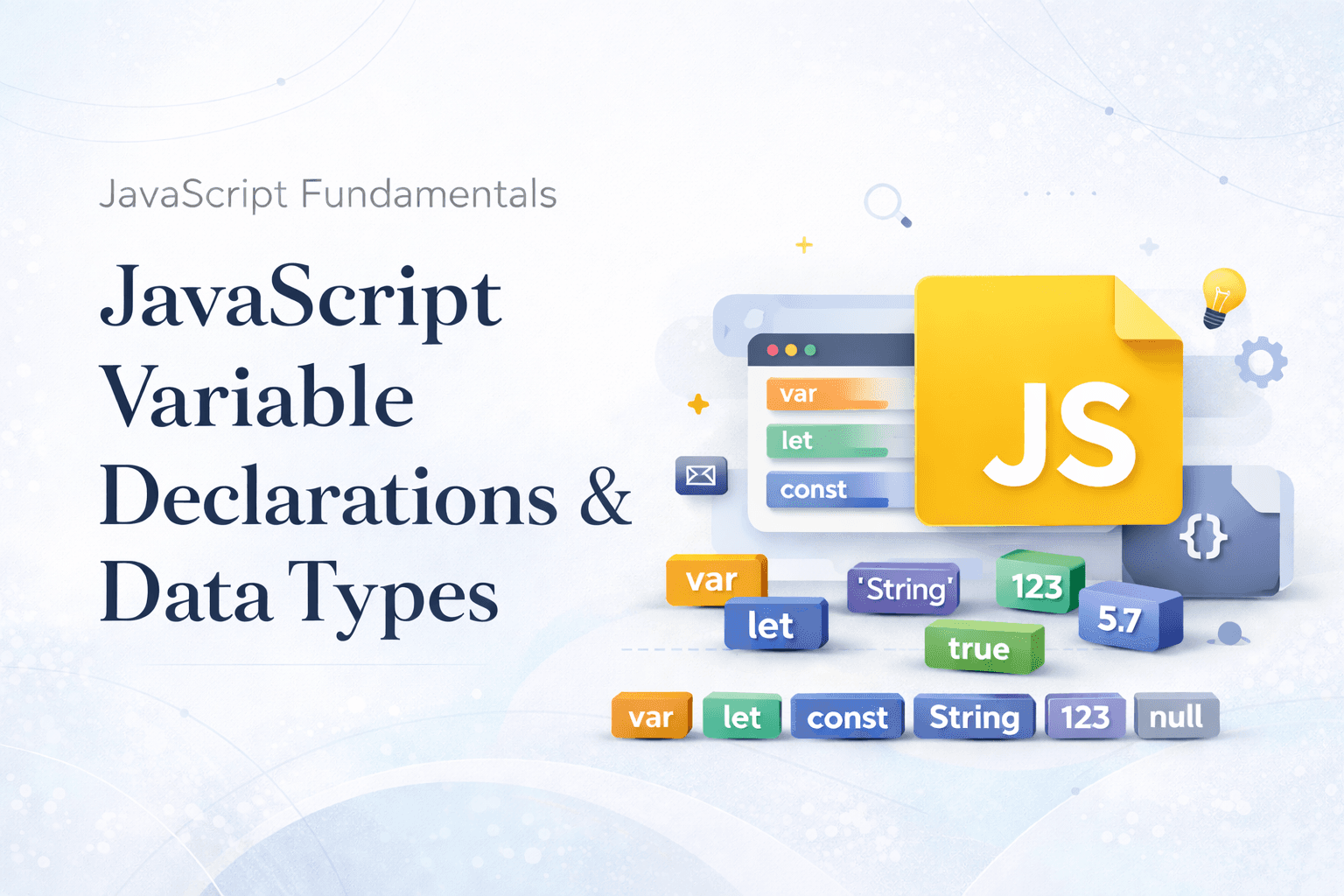
Here is a small summary of all the different types of variable declaring keywords and methods of JavaScript.

Data Types
Before you go and start creating variable in JavaScript with this newly acquired knowledge, you need to know one more thing. Each variable has it's own type. What that means now?
It's nothing complicated all that means is each variable has a property that tracks what kind of value can stored in that variable.
For examples names or texts are stored under string type variables. Numbers and values (Integers and Decimal values) are stored in Number type variables.

Strings or texts are written withing double quotes " , and Number are we written as it is.
There are more types of data you can store in a variable in JavaScript like Array Object etc.. but for now you should just need to understand data has a type and it matters.
Think , a variable named address should store an address right? Not a contact number!! And although JavaScript allows you to change type of a variable that is not at all recommended practice in real world Software Development and is considered as a bug or undesired behavior.
Conclusion
This was a basic introduction to Variables and Data types in JavaScript. Hopefully it was simple and intuitive enough for you to grasp what are variables and datatypes and basics of how do we handle them in JavaScript.